From our Revit Architecture tutorial series, in this step, you create a door schedule.
Working With Workspace and Design Files

In the last tutorial, you’ve been introduced to MicroStation. In this tutorial, we will start working with workspace and design files. When you start a Windows application, most of them will create and open a new file. But not here. MicroStation have two types of file: 2D DGN and 3D DGN. DGN is stand for […]
Defining Room and Room Legend
Room is one type of information you can add to your Revit model. That’s why we call it building information modeling (BIM). It’s not just lines and text. It can hold a lot of information in your building model. This time we will define rooms in our design, and create a room schedule. Let’s open […]
How to: Reference Objects to File/URL in AutoCAD

I had this question yesterday. Someone asked if if it’s possible to link an object in AutoCAD to another file. So if he needed to see the components specifications, or 3D model of a certain component from P&ID drawing, he can simply click the link. I said, have you tried using hyperlinks? Hyperlink maybe not […]
Introduction to MicroStation
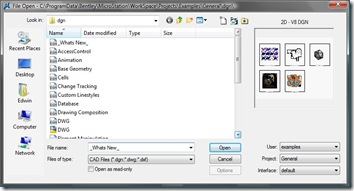
I wrote this tutorial years ago, while I still working in a Bentley reseller. I wrote it in Indonesian, when it’s still V8XM. I decided to rewrite it in English, and update some screenshot with V8i. Thanks for my partner, I can get 30 days trial to do so. I know there are not many […]
Working with Door and Window Tags
In this Revit tutorial, we will create a view for doors and windows plan. We will hide some details and add door and windows tags.
10 AutoCAD Layer Tools (You Might) Forgotten
Layer is indispensable in drawing management when we use AutoCAD. Since it’s so important, there are a lot of layer tools available in AutoCAD. Finding layer names can be confusing, if you have lots of layers. You can work graphically now. You can freeze or lock AutoCAD layers by selecting objects as reference. No need […]
Creating Revit Family from 2D Drawings
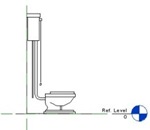
Do you need to create a complex Revit family? If you don’t need to show it in 3D, just make it 2D! It will appear in plan, elevation, section anyway.
- « Previous Page
- 1
- …
- 92
- 93
- 94
- 95
- 96
- …
- 105
- Next Page »


