After the rebranding, Autodesk includes Forma Board in Forma Data Management (FDM, formerly Docs). This feature was only available in Forma Site Design (formerly Forma). If you’re confused, don’t worry, we all need some time to be familiar with all these new names. In short, this feature is available in Docs.
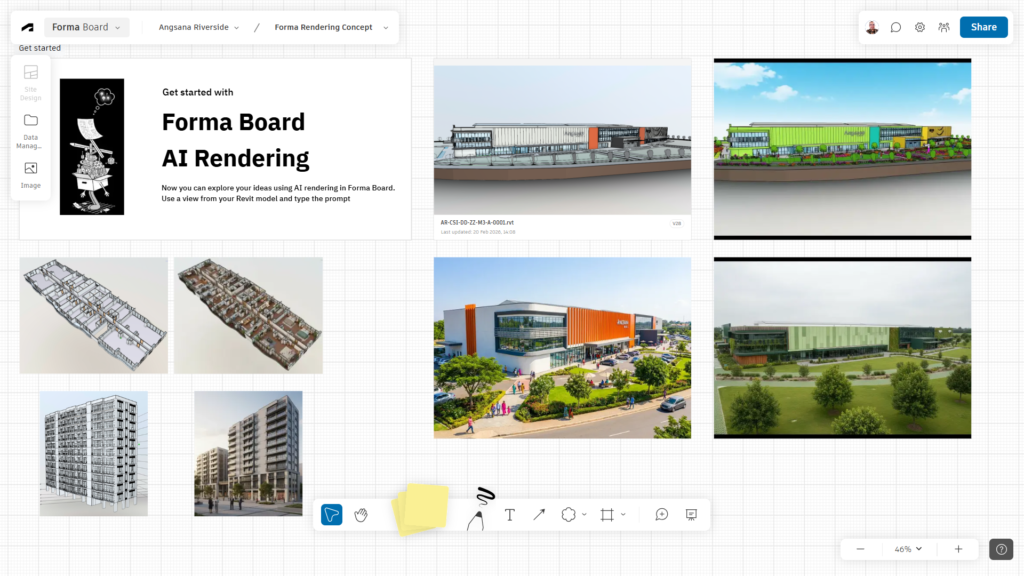
Forma Board is a useful feature to communicate and explore ideas with your team. You can extract a thumbnail or a view from a file that you have in FDM and put that in a board and share it with the team. You can also embed an external image in your board.
Now it gets interesting that Forma Board now has the AI-powered rendering. You can render any view you extracted from Revit, IFC, or other 3D models in this board. The board can also create a photorealistic rendering from an image in this board.
The prompt has two options: precise and explore. The Precise option will keep geometry unchanged, and Explore will change the form. You can also choose standard or high quality for the two options.
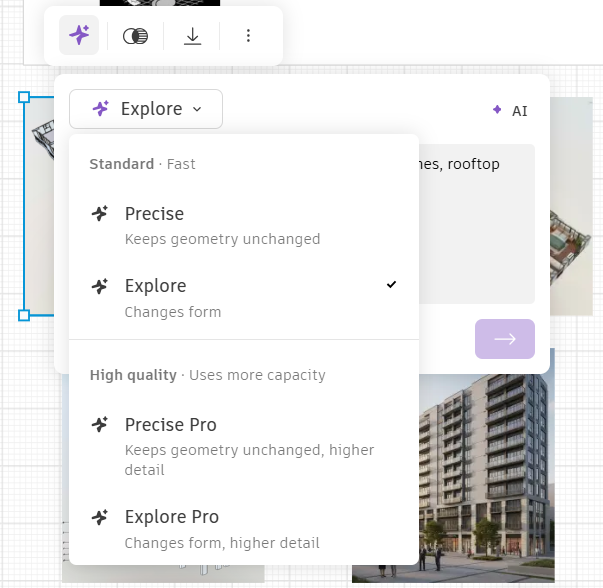
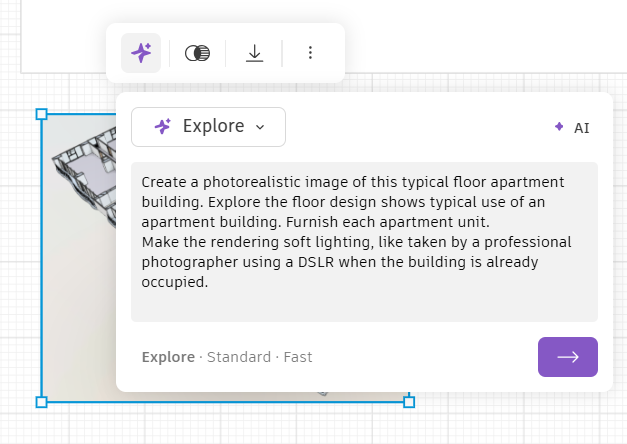
Type the prompt to create a visualization from that view. The process is quite fast, even for the high quality option.
Now you can use Forma Board to explore the design ideas with your team and clients more effectively. Not only can you share views, images, and notes, but you can now also quickly explore a visualization of your design.
Interesting to see if you can do this directly in Revit soon, as now Revit is the Forma connected client.


