
We have discussed how to select multiple elements in MicroStation, to manipulate or modify objects . That is the most common way in many applications. We select words or paragraph before we copy them in Microsoft Word, we select files in explorer before we copy them, and we select cells in Excel before we copy […]
I Love the Ribbon!
Yesterday, I just get my ‘I Love the Ribbon’ T-Shirt from Robin Capper. Robin is one of the famous CAD bloggers (more famous than me, obviously) and post many good information about BIM in his CAD blog. I have posted several times about ribbon interface, mostly for AutoCAD. AutoCAD users maybe the one who suffers […]
Which is Your Favorite AutoCAD Release?
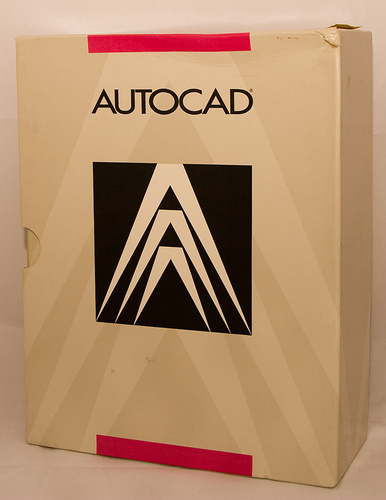
Image source: Shaan Hurley Flickr Album I have been using AutoCAD since R.13. I heard many people don’t like that release, but it looks fine for me :). I use almost every release of AutoCAD since then. Some are not for so long, but at least I get how they look and feel. There are […]
Dynamic Block Action vs Dynamic Block Parameters

What is the difference between using actions and constraints in AutoCAD dynamic block? When we should use action, and when we should use constraints?
Selecting Multiple Elements (1)

We’ve already used some MicroStation manipulation tools in earlier exercise. We are going to learn how to select multiple elements before we go further with MicroStation manipulation and modification tools. In that exercise, we only able to manipulate one element at a time. We activate the manipulation tool, then we choose the element. No way […]
Adding Parameters to Revit 3D Family
In this Revit family tutorial, you will learn to add parameters to 3D family.
Things that happened on CAD Notes in 2009…
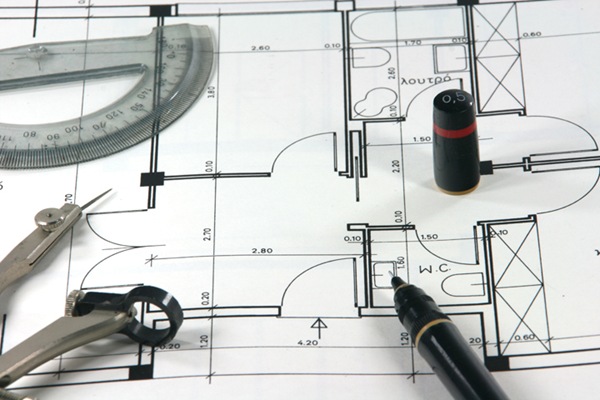
Dear CAD Notes readers, Merry Christmas to you who are celebrating… and happy new year to you all! 2009 is almost end. CAD Notes has been running for 7 months now. I know it’s still very young. Therefore I thank you for trusting CAD Notes as one of your CAD resources. I don’t think CAD […]
Reporting Multiple Coordinates in A Block using Attribute Extraction
I found this thread this morning in CADTutor Forum. I found it’s interesting and trying to figure how it can work. This is how I do it. The problem is, Manish wants to extract coordinates from 3 points inside a block, using AutoCAD data extraction. If we want to report one point, it would be […]
- « Previous Page
- 1
- …
- 87
- 88
- 89
- 90
- 91
- …
- 105
- Next Page »


