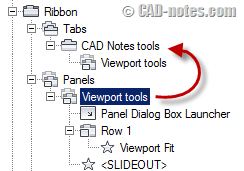
In this tutorial, you will learn how to create a command, panel, and tab. Then define the appearance in workspace.
Exploring AutoCAD CUI: introduction (1)
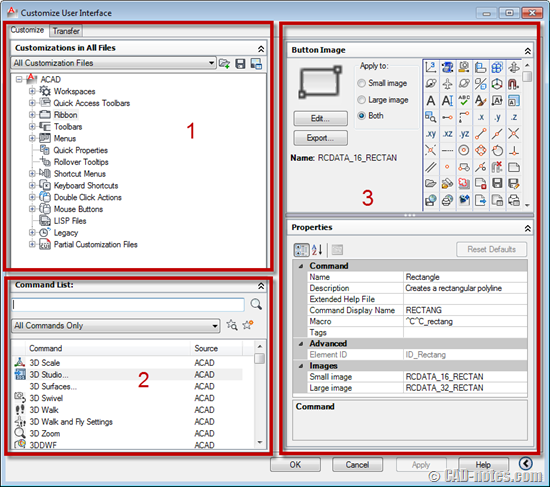
If you want to learn how to customize your AutoCAD interface, you can follow this tutorial series. Let’s start with a short introduction!
AutoCAD tip: rotate multiple texts at once to readable orientation
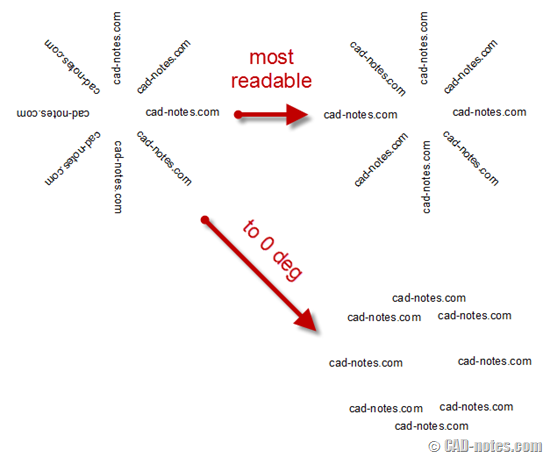
A quick tip how you can rotate texts automatically to readable orientation, or by angle. Only a few clicks to accomplish this task!
How to: trim and copy objects within a boundary
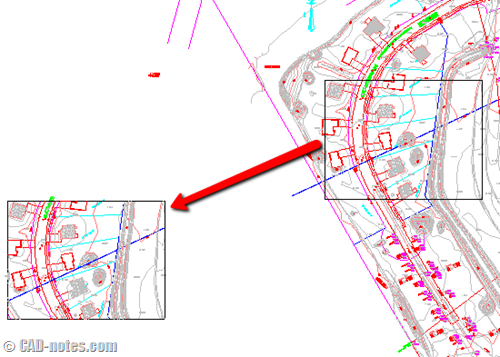
Do you need to copy objects within a boundary and automatically trim objects that extend defined boundary? Trimming objects in complex drawing can be a tedious work. See this AutoCAD tip to complete it quickly!
Autodesk and Lenovo Technology Makeover

You can win five licenses of Autodesk Suites and Lenovo workstations. If you work in small business company, see if you are eligible to join this contest!
3 Construction or Reference Objects We Rarely Use
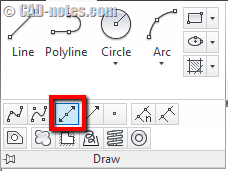
If you often need to create construction or reference objects in AutoCAD, have you tried XLINE, RAY, and point? XLINE and RAY are very useful to create construction lines quickly. And points, can help you to snap to a point quickly in crowded drawings!
Set default system variables in acaddoc.lsp
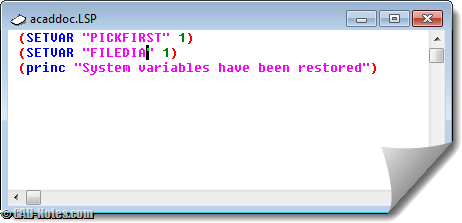
Do you find your system variables change often? Do you have to set it back to default regularly? Why not set them by default in acaddoc.lsp? Read how you can set system variables in acaddoc.lsp. And see some common variables listed here.
Have you used parametric design in AutoCAD?
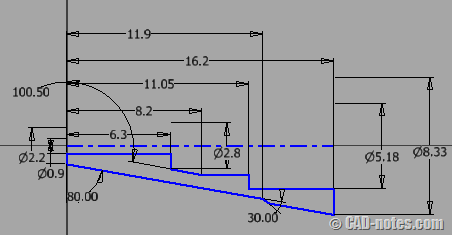
AutoCAD has parametric design capabilities since AutoCAD 2010. Have you used it? I don’t use it much because it doesn’t fit my workflow. I only use it for blocks, which work fine for me. However, you may have different story. Share your experience here!
Not familiar with parametric design yet? Beginners can check tutorial videos from AutoCAD Exchange, by Robert Green. Don’t forget to check it!
- « Previous Page
- 1
- …
- 55
- 56
- 57
- 58
- 59
- …
- 105
- Next Page »


