• Home
  • Training Books
  • Subscribe to Our Email Newsletter
  • About
    • Contributors
    • Feedback
    • Contact
    • Privacy policy
    • Cookie Policy
  • Bahasa Indonesia

CADnotes

CAD Tutorials and Best Practices for professionals and students

  • Featured
  • AutoCAD
    • AutoLISP
  • Revit
    • Revit Architecture Basic
    • Revit MEP Basic Tutorial
  • Inventor
  • MicroStation
    • MicroStation Basic Tutorial

Placing Exterior Walls

June 19, 2009 by Edwin Prakoso 2 Comments

We have created new levels in our Revit project. Now we are going to place walls. Let’s start from exterior walls. If you are new to this site, you can see the Revit tutorial contents list here. Open 1st Floor View. Double click 1st Floor under floor plan views, in project browser. You will see an […]

Defining Levels
June 17, 2009 by Edwin Prakoso 11 Comments

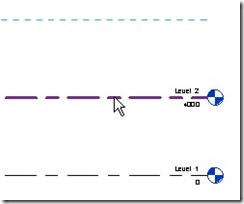
In this Revit Architecture tutorial, we define levels and edit the level name.

Understanding Views and View Navigation
June 17, 2009 by Edwin Prakoso 10 Comments

Your design in this Revit Architecture tutorial

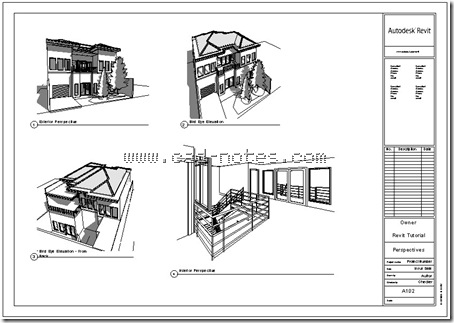
In this Revit Architecture tutorial, we learn how to work with views and working with view navigations.

Revit Architecture User Interface
June 14, 2009 by Edwin Prakoso 13 Comments

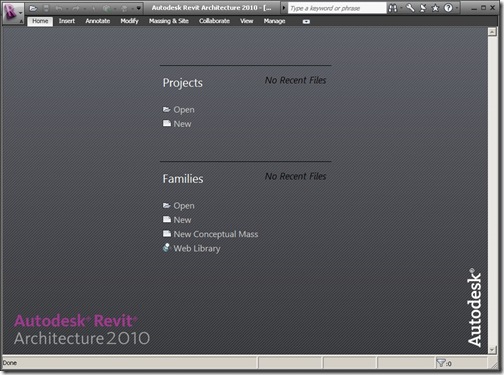
This is the second of Revit tutorial series on CAD Notes. If you new to Revit, you might want to see the first tutorial: introduction to Revit Architecture. I believe that first thing you should getting familiar with, when learning Revit is the interface. Sure, all Windows compliant software might look and taste the same. […]

Introduction to Revit Architecture
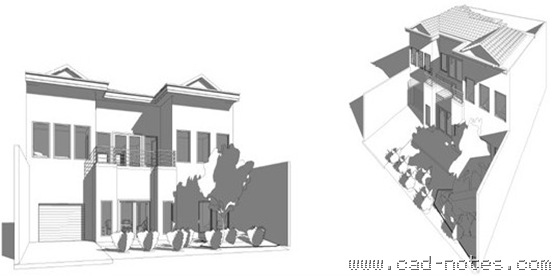
June 11, 2009 by Edwin Prakoso 31 Comments

Learn Revit Architecture from basic, let’s start with introduction to Revit Architecture

Optimize Your Palette Placement
June 10, 2009 by Edwin Prakoso 4 Comments

Do you feel that the AutoCAD palettes are taking too much space? You can optimize the placement to save your desktop real estate!

AutoCAD File Dialog Box is Missing

June 8, 2009 by Edwin Prakoso 3 Comments

When you try to save or open an AutoCAD drawing, you don’t see the file dialog box. Only commands on command line or dynamic input. What is wrong?

Pack Your Files With eTransmit

June 8, 2009 by Edwin Prakoso 2 Comments

Do you often need to send your AutoCAD drawing files? Sometimes you left your reference file behind? Sometimes I receive an AutoCAD file that referenced to other file, but they didn’t send the reference file. Or they burnt all the files in to a cd, but the reference paths are broken. Not to mention other […]

  • « Previous Page
  • 1
  • …
  • 101
  • 102
  • 103
  • 104
  • Next Page »

Featured

What’s New in Revit 2023 part 5: Documentation

let’s see the new features in annotation tools. Some interesting and useful enhancements can help with our documentation productivity.

Recent Articles

  • Accessing Autodesk Docs Files from Windows Explorer
  • The Evolution of BIM: From 3D Models to Information Management
  • The Misconception of CAD to BIM

Advertisement

New on CADnotes

  • Accessing Autodesk Docs Files from Windows Explorer
  • The Evolution of BIM: From 3D Models to Information Management
  • The Misconception of CAD to BIM
  • Revit Pattern Alignment
  • Why BIM Dimensions (3D, 4D, 5D) Are No Longer Relevant

Meet the Authors

avatar for
avatar for
avatar for
avatar for
avatar for
avatar for

Get Connected

CADnotes on FacebookCADnotes on InstagramCADnotes on TwitterCADnotes on YouTube

© 2009 – 2026 CADnotes · Feedback · Privacy Policy · Become an affiliate