• Home
  • Training Books
  • Subscribe to Our Email Newsletter
  • About
    • Contributors
    • Feedback
    • Contact
    • Privacy policy
    • Cookie Policy
  • Bahasa Indonesia

CADnotes

CAD Tutorials and Best Practices for professionals and students

  • Featured
  • AutoCAD
    • AutoLISP
  • Revit
    • Revit Architecture Basic
    • Revit MEP Basic Tutorial
  • Inventor
  • MicroStation
    • MicroStation Basic Tutorial

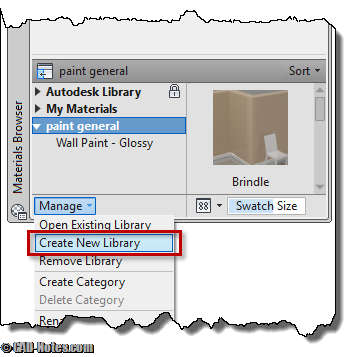
How to: export custom AutoCAD rendering materials
May 16, 2011 by Edwin Prakoso 1 Comment

Have you created many AutoCAD rendering materials on your workstation? Now how you can share them to your partner that uses other computer?

AutoCAD 2012: New features round up

May 3, 2011 by Edwin Prakoso 1 Comment

Do you want to know AutoCAD 2012 new features? Here is a round up post, and provides you to several resources if you want to see more details.

MicroStation tip: using active element priority

May 2, 2011 by Edwin Prakoso Leave a Comment

Do you need to create hidden lines in MicroStation drawings, and need to change it often? Try using element priority to do it automatically.

MicroStation tip: How to change crosshair’s color?
April 29, 2011 by Edwin Prakoso 3 Comments

Want to change pointer’s circle or crosshair color in MicroStation? Read how to do it here.

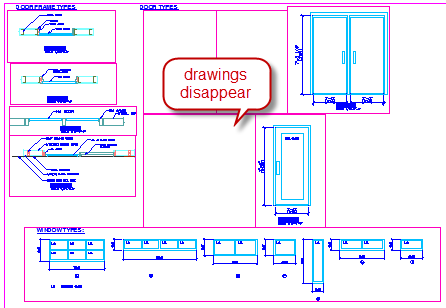
Some AutoCAD viewports turn off when reach certain numbers of viewports
April 27, 2011 by Edwin Prakoso 25 Comments

When working with AutoCAD, do you found that some viewports don’t show drawings? Only a specific number of viewports show drawings, while the others don’t. See the fix here!

AutoLISP tutorial: Working with layers
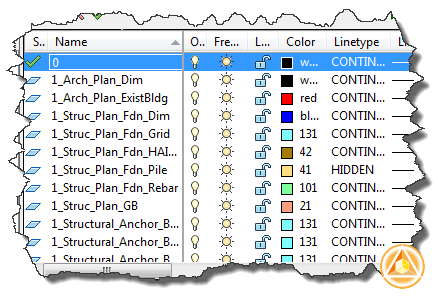
April 21, 2011 by Edwin Prakoso 1 Comment

In this AutoLISP tutorial, we discuss about using layers for maintaining drawing standard.

AutoCAD WS mobile for Android has arrived!

April 21, 2011 by Edwin Prakoso 3 Comments

If you have Android device, this is something you should have: AutoCAD WS mobile! It’s a free DWG viewer and markup tools from a mobile device. You can collaborate by sync and share the drawings too!

AutoCAD 2012: Editable UCS icon

April 19, 2011 by Edwin Prakoso 2 Comments

An enhancement in AutoCAD 2012. Very useful if you work with UCS intensively. Now you can edit it directly using grips.

  • « Previous Page
  • 1
  • …
  • 64
  • 65
  • 66
  • 67
  • 68
  • …
  • 104
  • Next Page »

Featured

7 Benefits of using AutoCAD Sheet Set

AutoCAD Sheet Set offers many benefits if you utilize it. We list 7 of them here. If you haven’t use it, it’s time for you to try using it now.

Recent Articles

  • Accessing Autodesk Docs Files from Windows Explorer
  • The Evolution of BIM: From 3D Models to Information Management
  • The Misconception of CAD to BIM

Advertisement

New on CADnotes

  • Accessing Autodesk Docs Files from Windows Explorer
  • The Evolution of BIM: From 3D Models to Information Management
  • The Misconception of CAD to BIM
  • Revit Pattern Alignment
  • Why BIM Dimensions (3D, 4D, 5D) Are No Longer Relevant

Meet the Authors

avatar for
avatar for
avatar for
avatar for
avatar for
avatar for

Get Connected

CADnotes on FacebookCADnotes on InstagramCADnotes on TwitterCADnotes on YouTube

© 2009 – 2026 CADnotes · Feedback · Privacy Policy · Become an affiliate