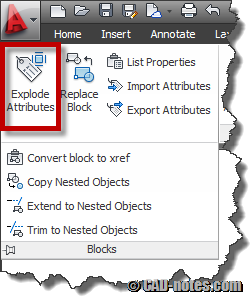
Do you want to keep block layer after you explode it? Explode by nature will bring objects back to their original layer. Not where the block is placed. So how you can keep them to block’s layer?
How to add AutoCAD layer information in PDF file?
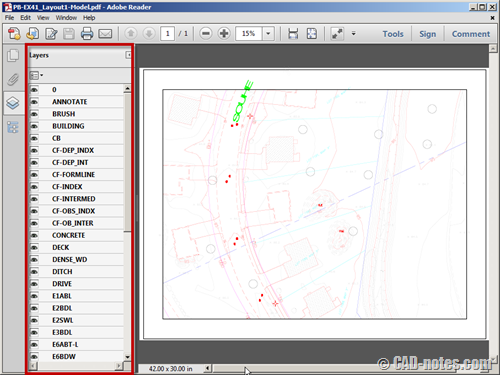
Do you want to plot AutoCAD drawings to PDF, and still have the layer information? If you are wondering how to do it, follow these steps.
How to keep your Autodesk product up-to-date
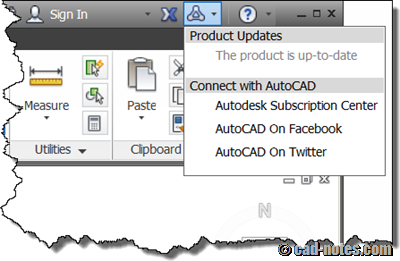
Do you want to make sure you have latest service pack and hotfixes installed for AutoCAD, Revit, 3DS Max and all other Autodesk products? See how you can do it here!
Hotfix: Autodesk sync error
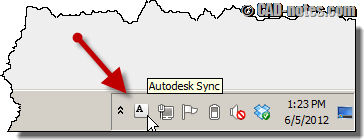
Hotfix available for persistently sync error in system tray. If you are using AutoCAD 2013 or other products that use Autodesk 360 sync, you should apply this hotfix.
Working with Autodesk 360 web interface
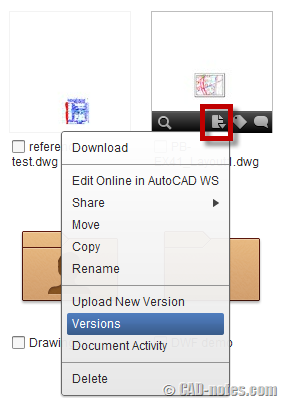
What can we do with Autodesk 360 cloud storage? Do you want to know how you can work with versions, share documents, and collaborate with others? We cover them in this article!
CAD notes turns 3 years old today!

Today is CAD notes anniversary! A great 3 years. And cheers to another 3 years!
Autodesk 360 sync secret revealed: how does it work?
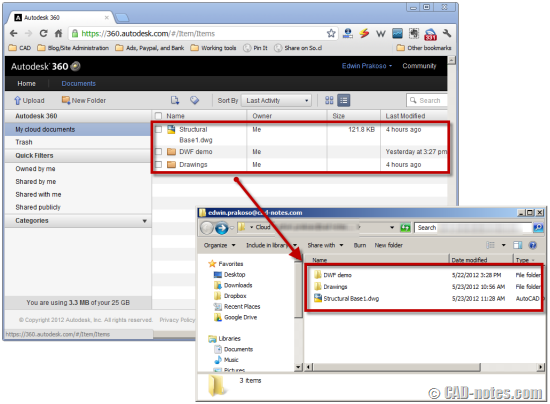
So how does Autodesk 360 work with AutoCAD? Do you really save file directly to cloud? Can we work with slow or without internet connection? CAD notes reveal the secret so you can work comfortably with it!
- « Previous Page
- 1
- …
- 52
- 53
- 54
- 55
- 56
- …
- 105
- Next Page »


