• Home
  • Training Books
  • Subscribe to Our Email Newsletter
  • About
    • Contributors
    • Feedback
    • Contact
    • Privacy policy
    • Cookie Policy

CADnotes

CAD Tutorials and Best Practices for professionals and students

  • Featured
  • AutoCAD
    • AutoLISP
  • Revit
    • Revit Architecture Basic
    • Revit MEP Basic Tutorial
  • Inventor
  • MicroStation
    • MicroStation Basic Tutorial

How to: Explode AutoCAD block to other layer

June 21, 2012 by Edwin Prakoso Leave a Comment

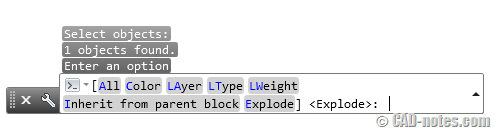
Do you want to explode block and set properties for exploded objects? Not only inherit all properties from their parent, you can set layer, color etc with this tool!

Keep AutoCAD block layer after exploding
June 20, 2012 by Edwin Prakoso 2 Comments

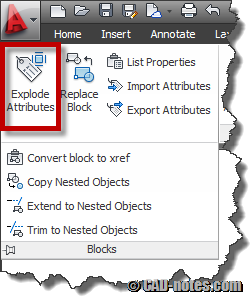
Do you want to keep block layer after you explode it? Explode by nature will bring objects back to their original layer. Not where the block is placed. So how you can keep them to block’s layer?

How to add AutoCAD layer information in PDF file?
June 19, 2012 by Edwin Prakoso 24 Comments

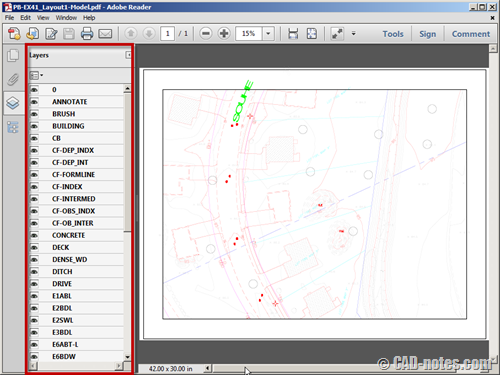
Do you want to plot AutoCAD drawings to PDF, and still have the layer information? If you are wondering how to do it, follow these steps.
How to show AutoCAD hidden messages back?

June 4, 2012 by Edwin Prakoso 2 Comments

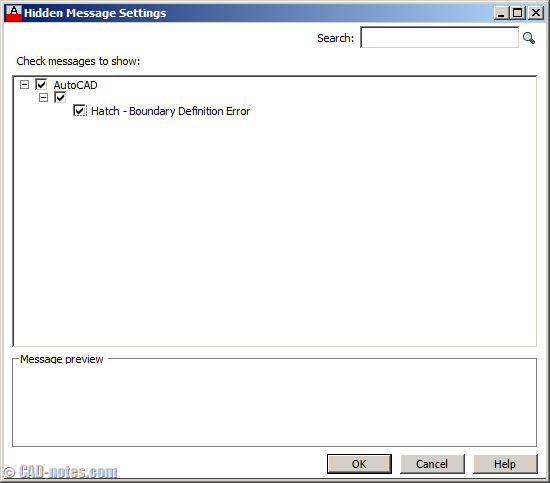
Do you always click don’t show me this again on every warning messages? Do you regret that and want to see those warnings again? See how you can show them again here.

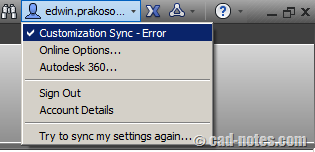
AutoCAD 2013: how to choose which customization to sync
May 1, 2012 by Edwin Prakoso 6 Comments

Do see customization sync message? It was because you have different settings on your computer. So how you can fix this sync settings? Read it here!

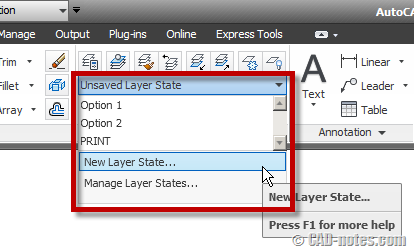
Using multiple layer states in multiple layouts
April 21, 2012 by Will Schoenig 8 Comments

Create new layer state

Will Schoenig shares his experience working with layer states in multiple layout. He had a problem and in this article he shares how he handle it.

Another AutoCAD accuracy issue problem
April 16, 2012 by Edwin Prakoso 2 Comments

This is another sample of AutoCAD accuracy problem. You can prevent it by simply draw your objects closer to origin.

Load AutoCAD with defined profile and template

April 13, 2012 by Edwin Prakoso 2 Comments

Do you need to work with different customization and templates? You can load partial customization at startup based on your task by loading different profile. Find out how you can do it with startup switch.

  • « Previous Page
  • 1
  • …
  • 9
  • 10
  • 11
  • 12
  • 13
  • 14
  • Next Page »

Featured

Work Better with AutoCAD | Challenge 5 – Learn the new features

Autodesk releases new AutoCAD version annually. Do you learn the new features? Many of the new features can help you to be more productive!

Recent Articles

  • Placing Views on Sheet Efficiently with Saved Position
  • Autodesk Forma: One Platform to Rule the AEC Lifecycle
  • Accessing Autodesk Docs Files from Windows Explorer

Advertisement

New on CADnotes

  • Placing Views on Sheet Efficiently with Saved Position
  • Autodesk Forma: One Platform to Rule the AEC Lifecycle
  • Accessing Autodesk Docs Files from Windows Explorer
  • The Evolution of BIM: From 3D Models to Information Management
  • The Misconception of CAD to BIM

Meet the Authors

avatar for
avatar for
avatar for
avatar for
avatar for
avatar for

Get Connected

CADnotes on FacebookCADnotes on InstagramCADnotes on TwitterCADnotes on YouTube

© 2009 – 2026 CADnotes · Feedback · Privacy Policy · Become an affiliate