
Are you thinking to upgrade to AutoCAD 2013? See these new features roundup and see if they are useful for you. I believe you will love it if you worked in manufacturing industry!
Search Results for: lisp
What’s new in AutoCAD 2013: Autodesk 360 integration
Using multiple computers? In AutoCAD 2013 now you can sync settings automatically between computers using Autodesk 360 account. You can also automatically upload your files. Read more here.
AutoCAD customization: 5 articles to learn about CUI

AutoCAD CUI customization roundup. If you want to customize AutoCAD interface, here you can learn how you can create partial customization file, create command, working with ribbon, toolbar and menu, and more cool things!
Exploring AutoCAD CUI: 5 more things you can do with CUI (part 5)
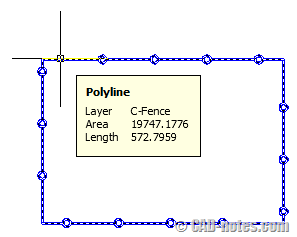
AutoCAD CUI is not only about creating command and place them to ribbon/ toolbar. You can do cool things like: define shortcut, rollover tool tips and more! There are 5 cool things listed here!
How to Automate AutoCAD with command Macros
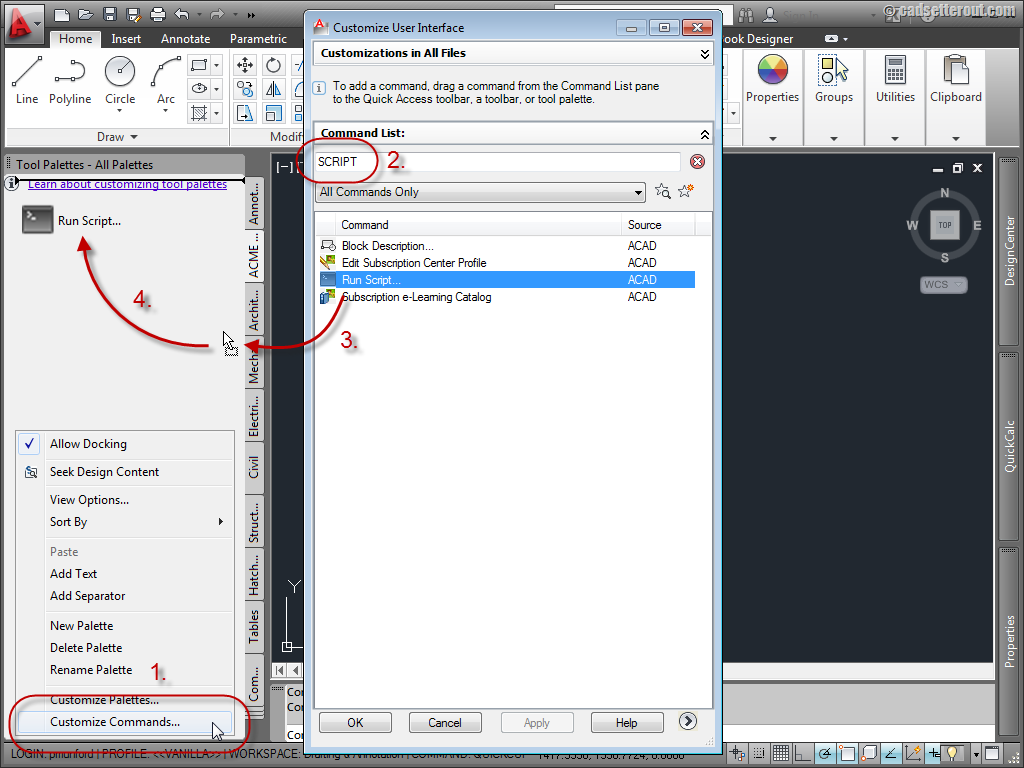
Another automation tutorial by Paul Munford. Here you will learn to automate processes in AutoCAD using macro!
Exploring AutoCAD CUI: Creating a command in tab (part 2)
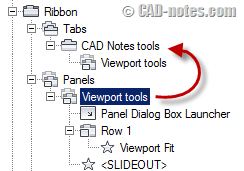
In this tutorial, you will learn how to create a command, panel, and tab. Then define the appearance in workspace.
3 Construction or Reference Objects We Rarely Use
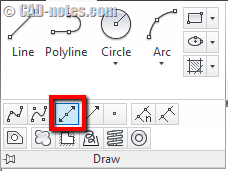
If you often need to create construction or reference objects in AutoCAD, have you tried XLINE, RAY, and point? XLINE and RAY are very useful to create construction lines quickly. And points, can help you to snap to a point quickly in crowded drawings!
Set default system variables in acaddoc.lsp
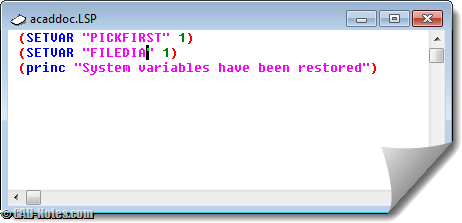
Do you find your system variables change often? Do you have to set it back to default regularly? Why not set them by default in acaddoc.lsp? Read how you can set system variables in acaddoc.lsp. And see some common variables listed here.
- « Previous Page
- 1
- …
- 6
- 7
- 8
- 9
- 10
- …
- 12
- Next Page »


