We are impatient. It’s very human, not just because we are AutoCAD users.
One thing we probably do immediately when we run AutoCAD at the first time is clicking don’t show me this again. Or disable show at startup, and similar check boxes.
You probably also disabled many warnings and messages during your AutoCAD session.
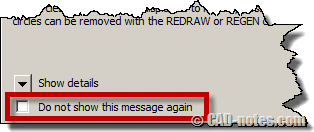
What if you want to bring those messages back? How can make them appear again and give us warnings?
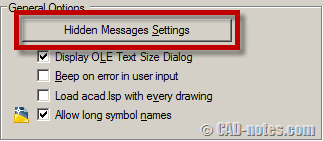
You can access those hidden messages in AutoCAD options> system tab.
In general options category, click hidden messages settings.
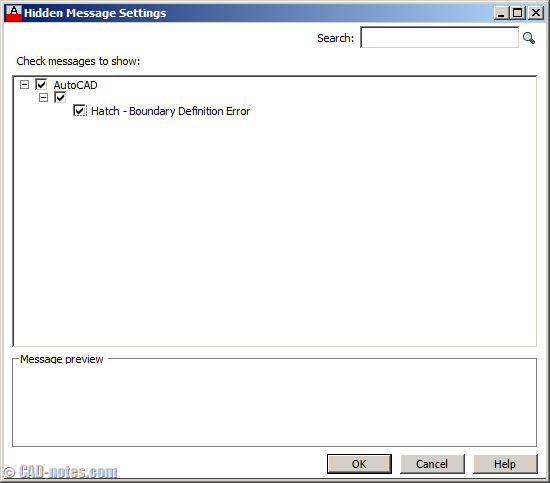
If there is any hidden message, you can see it in this list. Check which message you want to show again, then click OK.
Read it first before hide it
Sometimes those warning messages are annoying. But they are the for a reason. Welcome screen is probably not useful for veteran users. But some warning messages are there for a good reason. It might introduce you a new feature or mentioning something that might confuse you.
But I confess, I always hide them. And sometimes never read them.


Enter the command (setvar). Then enter (?)
This should give you a list off all of the system variables and give you a description.
This is another way to turn on and off dialogs several settings in your environment.
The other way of accessing some of these preferences is right clicking your mouse in the command section of your menu and selecting preferences.
Wow it’s very helpfull.
I can seeting back about turn off the default lighting (recommended).
The Hidden message display is back!!!
Thq Edwin ;)