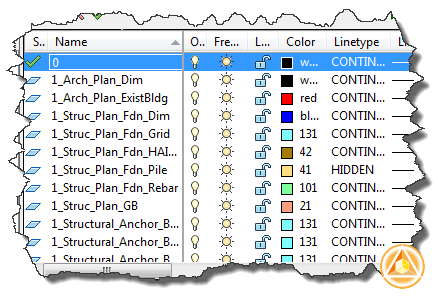
In this AutoLISP tutorial, we discuss about using layers for maintaining drawing standard.
Search Results for: lisp
AutoLISP: Adding New Line in Multiline text

We created an AutoLISP program to create leader to label coordinate before. It will be very useful for surveyors who use vanilla AutoCAD. But you may want to use multileader instead of leader in your AutoLISP program. MLEADER is neat, and you can have more control and flexibility with it. The problem is it uses multiline […]
AutoLISP tutorial: system variable and conditional COND
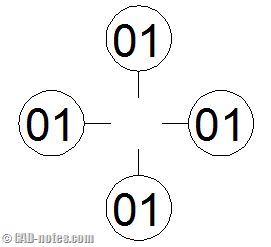
In the last AutoLISP tutorial, we have tried to place block and change the attribute value. We also use conditional IF. Using AutoCAD block in AutoLISP is a great benefit. We can use our reusable content to make AutLISP programming less complex, and we can maintain our drawing standard in AutoCAD. This time we will […]
AutoLISP Exercise: Using Block and Conditional If

This time we are going to work with AutoCAD block. We had a good time when creating label for coordinate. Now we are going to create a similar AutoLISP program. We will create a program to label elevation. But this time we will also use block. Using block has several advantages. We can have more […]
AutoLISP exercise: creating program to label coordinate
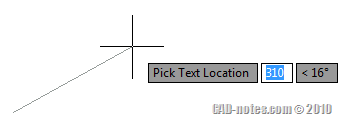
In this exercise, we will continue our AutoLISP tutorial. This time we are going to use lists and strings. We have learned how to use mathematic equation in AutoLISP to calculate a value. This time we will work with strings. Let us see what are we going to create. We are going to create a […]
AutoLISP Exercise : Create Regular Polygon by Defining Area
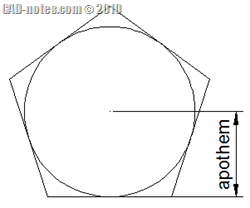
I hope you are having fun with our AutoLISP exercises. Last time, we were introduced to use AutoLISP variables and asking users for input. This time we will learn about asking for more user input, then using the input in mathematical equation. The calculation result result will be used to draw an object. Our challenge […]
Using AutoLISP Program to label point coordinate
I have posted an AutoCAD tip how you can create your own label coordinate in AutoCAD using block attributes. It is nice that you can create your own block, create your own block shapes, and customize it to look anything you want to. But there is a limitation. It will only recognize the point position […]
Using AutoLISP Variable and Asking User Input
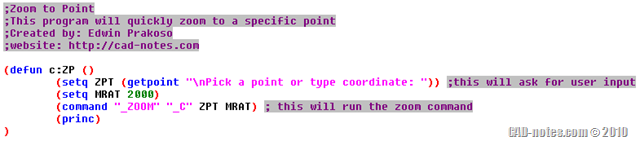
We have started the AutoLISP tutorial by creating a very simple program: zoom to origin. That program works, but it is very limited to zoom to 0,0,0 coordinate only. We will add more functionalities so users can pick other point to zoom to. Because we will enable users to pick their own point, zoom to […]
- « Previous Page
- 1
- 2
- 3
- 4
- …
- 12
- Next Page »


