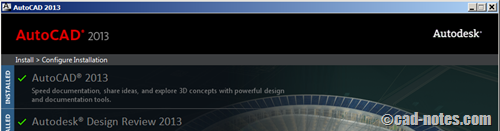
You try to install AutoCAD but the installer says it’s already installed. But you already uninstall it and can’t find it in add/remove program. So how you can fix it?
How to: Transfer AutoCAD settings to different computer

Got new shiny computer? Do you want to copy your settings from your old computer to the new one? Let’s see how you can do it.
How to: create DWF/PDF automatically when you save AutoCAD drawing
Do you need to create PDF/DWF for every AutoCAD drawing you have? You can create them automatically using Auto Publish. So you can be sure you share updated documents to your coworkers!
Why you should use AutoCAD blocks
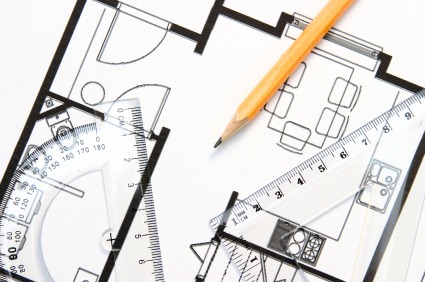
AutoCAD blocks can increase your productivity significantly. See why you should use block and optimize your blocks library to help your productivity here. Not only reduce boring repetitive tasks, it can also make your drawing smarter!
Featured Articles on CAD notes in 2012

Before we leave 2012 and welcome 2013, let’s see some featured articles on CAD notes in 2012. I hope you will find them useful. Happy new year from CAD notes… have a great holiday!
Troubleshoot: AutoCAD hangs on start

You start AutoCAD and see the splash screen, but it just hangs. AutoCAD never open. If you experience this, explore the possibilities of what happened!
How to speed Up AutoCAD: configuring AutoCAD (part 2)

AutoCAD has many new features that can make it very heavy for old computers. See what you can turn off to gain better performance!
How to Speed up AutoCAD: optimize your computer (part 1)

Do you feel your old computer runs AutoCAD slowly? Let’s optimize your computer to have better performance! This is the 1st part: optimizing computer.
- « Previous Page
- 1
- …
- 47
- 48
- 49
- 50
- 51
- …
- 105
- Next Page »


