I’m surprised that I don’t. At least until I see this thread on CADTutor. And it’s kind of relieved that many of the senior members don’t know it.
You can see how it works from nice animation from alanjt.
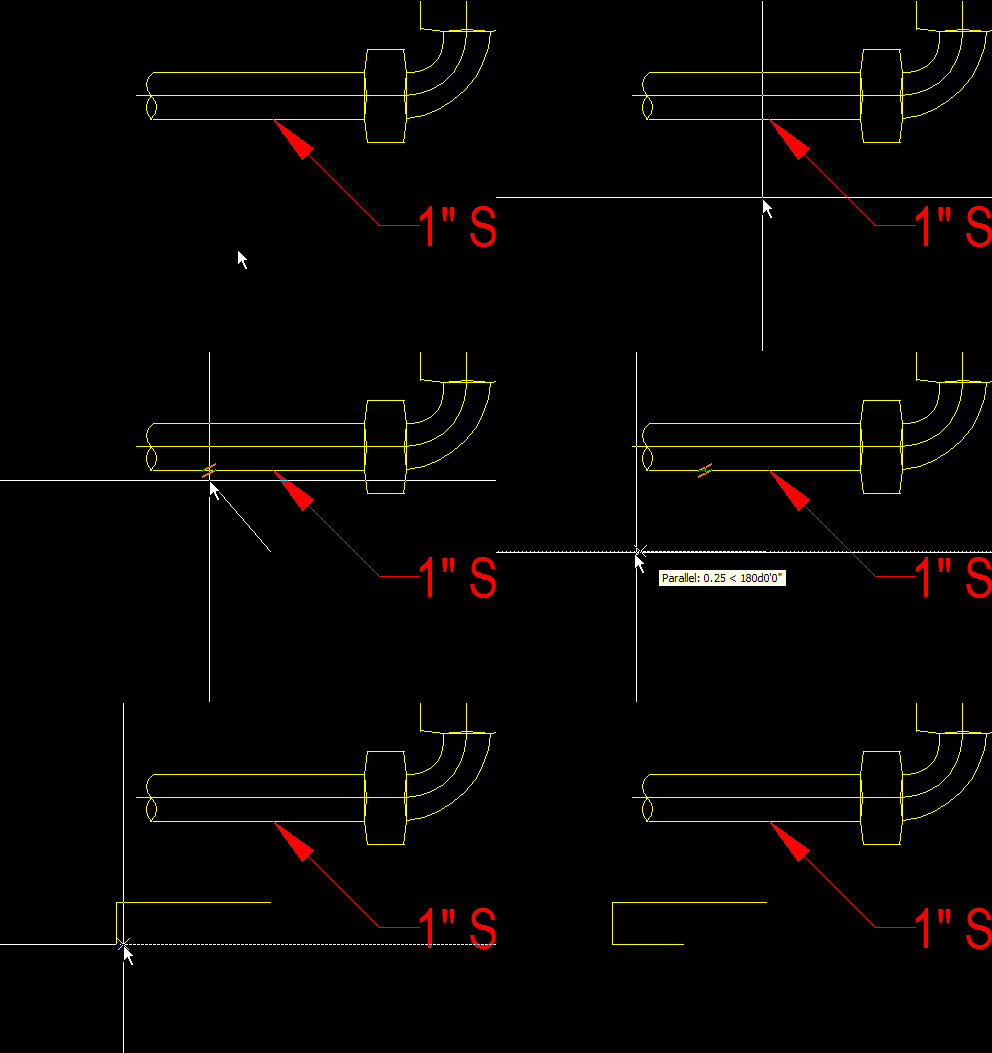
image by: alanjt from CADTutor
Still doesn’t work?
So how it works?
Activate line/polyline
Activate parallel object snap
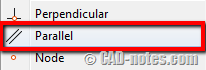
I thought we need to pick object/point after we activate the object snap. Just like when we’re working with other Osnaps. But no! You only need to hover above the line to make it as reference.
You should see the snap icon at your pointer.
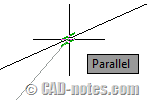
Now move away your pointer until you see the rubber band line.
You can click a point to create the parallel line now.
I know it’s quite basic. But you might need it.


Thank you. I was clicking the parallel snap icon and couldn’t get it to work. Seriously, this is a game changer for me.
2007 autocad osnap,ortho, polar ……instructions and to draw the diagram in absolute co.ardinate system without ortho n polar