• Home
  • Training Books
  • Subscribe to Our Email Newsletter
  • About
    • Contributors
    • Feedback
    • Contact
    • Privacy policy
    • Cookie Policy

CADnotes

CAD Tutorials and Best Practices for professionals and students

  • Featured
  • AutoCAD
    • AutoLISP
  • Revit
    • Revit Architecture Basic
    • Revit MEP Basic Tutorial
  • Inventor
  • MicroStation
    • MicroStation Basic Tutorial

Defining AutoCAD Camera

July 14, 2010 by Edwin Prakoso 13 Comments

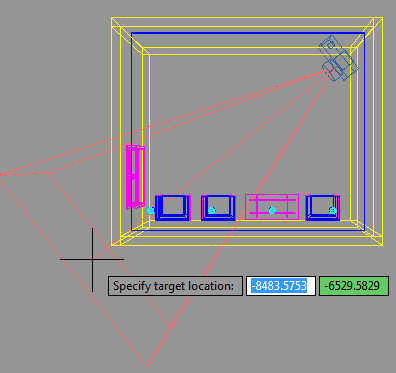
I had a couple questions about creating a photorealistic rendering in AutoCAD. Probably after seeing the rendering sample I made. I’m not a rendering guru, but I think it would be interesting to write something about it. Setting up rendering environment is not difficult. But you need to do trial and error before finally get […]

Using Rendering Material Template

August 10, 2009 by Edwin Prakoso Leave a Comment

Do you confused when you need to set up your rendering materials? How much you should set the opacity value, shininess, and the other values? Don’t be. AutoCAD (and other rendering software) has a template that define standard materials. All you need to do is select the type and template. In this example, I use […]

AutoCAD and Photorealistic Rendering
July 30, 2009 by Edwin Prakoso 25 Comments

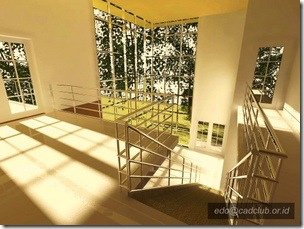
Can AutoCAD render? Certainly! It can produce good rendering result. See some AutoCAD rendering samples here.

Where is My Old AutoCAD Landscape?

July 14, 2009 by Edwin Prakoso 1 Comment

Remember the old days, when we can add AutoCAD landscape objects like trees, cars, and people in our AutoCAD model? Since Autodesk decided to change the rendering engine from scanlines to mentalray, this feature is no longer available. But in the release comparison matrix, there is ‘entourage’ available. So where is it? It’s a separate […]

AutoCAD Solid History
July 2, 2009 by Edwin Prakoso 2 Comments

With solid history, we can change object sizes like before Boolean operation like union and subtract.

  • « Previous Page
  • 1
  • 2

Featured

AutoCAD Script to Create Classic Workspace Automatically

Do you want to use AutoCAD Classic interface but the steps are difficult to follow? Just download this script and run it. It will create a Classic Workspace almost like magic!

Recent Articles

  • The Misconception of CAD to BIM
  • Revit Pattern Alignment
  • Why BIM Dimensions (3D, 4D, 5D) Are No Longer Relevant

Advertisement

New on CADnotes

  • The Misconception of CAD to BIM
  • Revit Pattern Alignment
  • Why BIM Dimensions (3D, 4D, 5D) Are No Longer Relevant
  • Bridge: Controlled Data Sharing Between Stakeholders
  • Autodesk Construction Cloud Evolution

Meet the Authors

avatar for
avatar for
avatar for
avatar for
avatar for
avatar for

Get Connected

CADnotes on FacebookCADnotes on InstagramCADnotes on TwitterCADnotes on YouTube

© 2009 – 2026 CADnotes · Feedback · Privacy Policy · Become an affiliate