
Asking in a forum is one of the best ways to get your question quickly answered. Here is a tip for you to make your question clear. Remember, if we want to get a better answer, ask a better question!
How to Prevent Users Installing Products from Autodesk Desktop App
The new Autodesk Desktop App update allows users to install products and see the serial number. This is how you can prevent it.
Autodesk Desktop App: More than just to get updates
Autodesk has replaced Application Manager with Desktop App. What’s new? It’s the tool to download subscription benefits!
How to: render sunlight in Autodesk cloud rendering
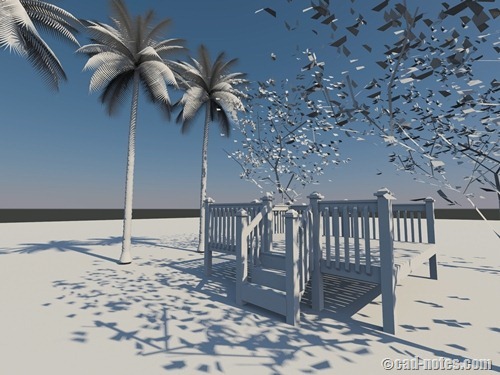
Having problem when rendering with natural sunlight using cloud rendering? In Autodesk 360 rendering, you need to save the sun properties to your view first. See how you can do it here.
Working with Autodesk 360 web interface
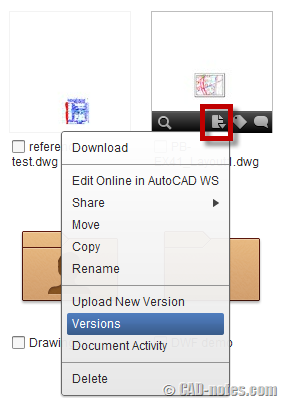
What can we do with Autodesk 360 cloud storage? Do you want to know how you can work with versions, share documents, and collaborate with others? We cover them in this article!
Autodesk 360 sync secret revealed: how does it work?
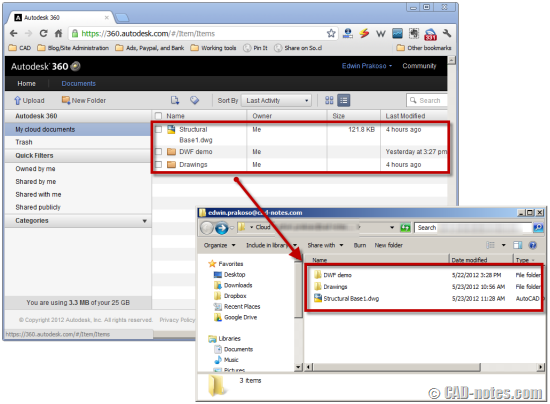
So how does Autodesk 360 work with AutoCAD? Do you really save file directly to cloud? Can we work with slow or without internet connection? CAD notes reveal the secret so you can work comfortably with it!
Using Autodesk 360 as cloud storage: an introduction
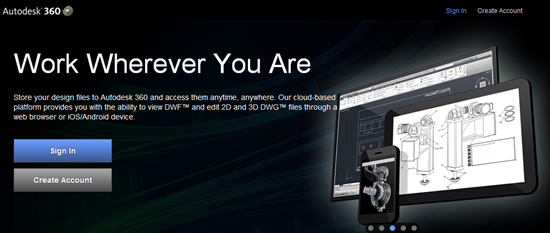
Do you know that you can save your drawings to cloud? You can save backups or work directly with cloud storage. And you can also collaborate online! Very interesting because it works pretty similar with PDM or Autodesk Vault!
- « Previous Page
- 1
- …
- 3
- 4
- 5


