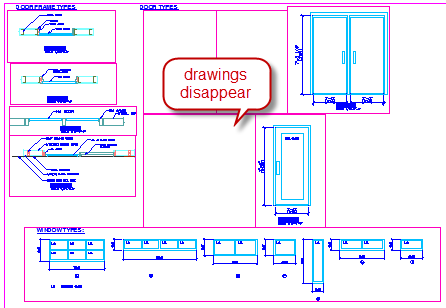
When working with AutoCAD, do you found that some viewports don’t show drawings? Only a specific number of viewports show drawings, while the others don’t. See the fix here!
AutoCAD dimensions are Missing in Other Viewport: How to Fix It?
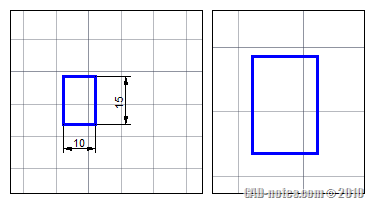
Why are some AutoCAD dimensions missing? I can see it in a viewport, but not in the others. This is might be the reason!
Changing Revit View Title Appearance
I have posted a tip how you can control Revit view title appearance. I made a big mistake by mentioning this: Now the question you probably want to ask: can we change the text appearance or change the circle symbol? As far as I know, no. It’s not external family, so you can’t edit it […]
4 AutoCAD Viewport Tips: Configurations, Irregular, Clip, and Scale
AutoCAD viewports are extremely helpful. You can view many area of your drawings in model space, and you can arrange your drawings quickly in layout. Here are some tips that you may have overlooked. Tip #1: Using Viewport Configurations Do you need to create multiple viewports at once? You can do it by creating it […]
Saved Views: Quickly switch between view configuration
Have you worked on a quite large drawing, and need to move from one area to another? Or maybe you need to often rotate your viewport because your design is not parallel to your display? And you probably have a hard time working on a very large project, and need to zoom-in or zoom-out only […]


