This is a tutorial how to set an Enterprise CUI as standard and user CUI as partial customization. By defining the user CUI, you allow the users to customize their own workspace!
How to create AutoCAD Classic workspace using CUI

If you prefer graphical user interface to create AutoCAD 2015 Classic workspace, you can use CUI dialog box to do that.
Automatic AutoCAD dimension spacing using double click action
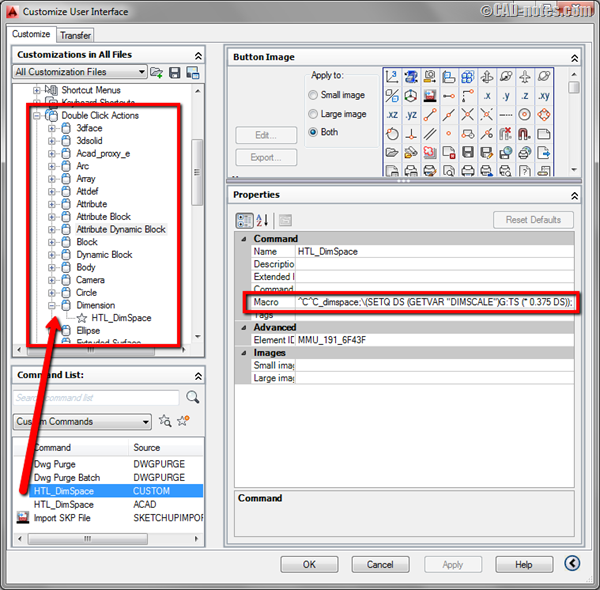
In this article we will create a custom doubleclick action to change dimension spacing. Simple but powerful macro!
AutoCAD customization: 5 articles to learn about CUI

AutoCAD CUI customization roundup. If you want to customize AutoCAD interface, here you can learn how you can create partial customization file, create command, working with ribbon, toolbar and menu, and more cool things!
Disable shift+mid button as transparent orbit

Do you often accidentally activate AutoCAD transparent orbit by clicking shift+mid button? By modifying CUI, you can turn it off.
Preventing AutoCAD Ribbon Panels to Collapse
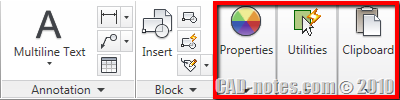
Do you use AutoCAD ribbon? One annoying thing about AutoCAD ribbon for me is when I have to work with low screen resolution. I do set it quite high on my computer and feel comfortable with it. However, when I have to do presentations, sometimes I have to set my screen resolution to 1024×768 pixels, […]


