
Are you thinking to upgrade to AutoCAD 2013? See these new features roundup and see if they are useful for you. I believe you will love it if you worked in manufacturing industry!
What’s new in AutoCAD 2013: Create section and detail views
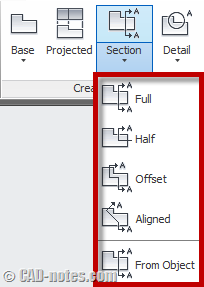
Read the new section and detail views creation tool in AutoCAD 2013. There are several more enhancements in creating views. Read the details here!
AutoCAD 2013: how to choose which customization to sync
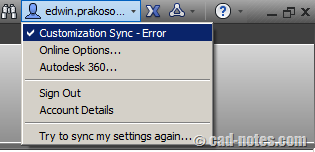
Do see customization sync message? It was because you have different settings on your computer. So how you can fix this sync settings? Read it here!
What’s new in AutoCAD 2013: Autodesk 360 integration
Using multiple computers? In AutoCAD 2013 now you can sync settings automatically between computers using Autodesk 360 account. You can also automatically upload your files. Read more here.
What’s new in AutoCAD 2013: Working with files
AutoCAD 2013 has new file format. It now support for Autodesk Inventor (ipt and iam). Inventor Fusion now support for Google SketchUp (skp).
What’s new in AutoCAD 2013: Object modification

Some enhancements to modify objects in AutoCAD 2013. Array is much better. You can edit multiple hatches at once. Offset preview. Read the details here!
What’s new in AutoCAD 2013: Interface
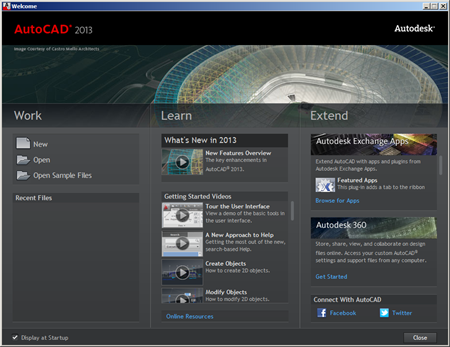
See what are new features in AutoCAD 2013. In this article we cover interface enhancements. Enjoy the sleek command line!


