
To celebrate CADnotes 8th anniversary, we provide this e-book for all readers. It is free. It covers how Annotation Scaling works and how to use it. We hope you will like it!
What’s new in AutoCAD: Annotations

This is AutoCAD new features roundup in annotation features. Read it if you want to implement AutoCAD new features!
AutoCAD Annotative Block Can’t be Dragged Because of Alignment Parameter
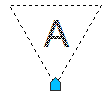
If you can’t drag annotative block in different scale, it may be because you also using alignment parameter. See the workaround to solve it here.
AutoCAD dimensions are Missing in Other Viewport: How to Fix It?
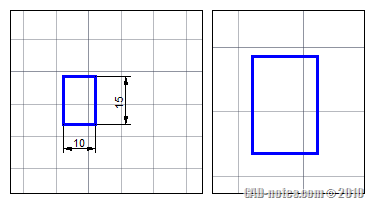
Why are some AutoCAD dimensions missing? I can see it in a viewport, but not in the others. This is might be the reason!
Controlling Linetype Scale is as Easy as 1,2,3!
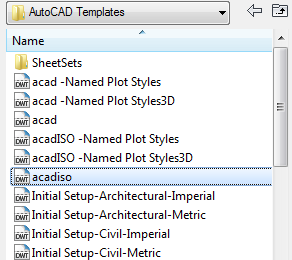
Controlling AutoCAD linetype scale can be very easy. All you need to do is start your drawing right, and follow basic rules!
Introduction to Annotation Scale
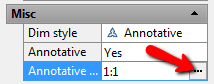
If you want to learn basic and concept of Annotation Scale in AutoCAD, you can read this tutorial. There is more details on other article. Learn the basic, and see how it works!


